No ads, ever
Local playback has no ads, no autoplay into unknown tracks, no interruptions.
Bedtime
Two things ruin bedtime listening: an ad breaking the mood, and music running all night. Otoha has no ads, and the timer fades the volume down before stopping.
Free playback, no ads. The sleep timer is built in.
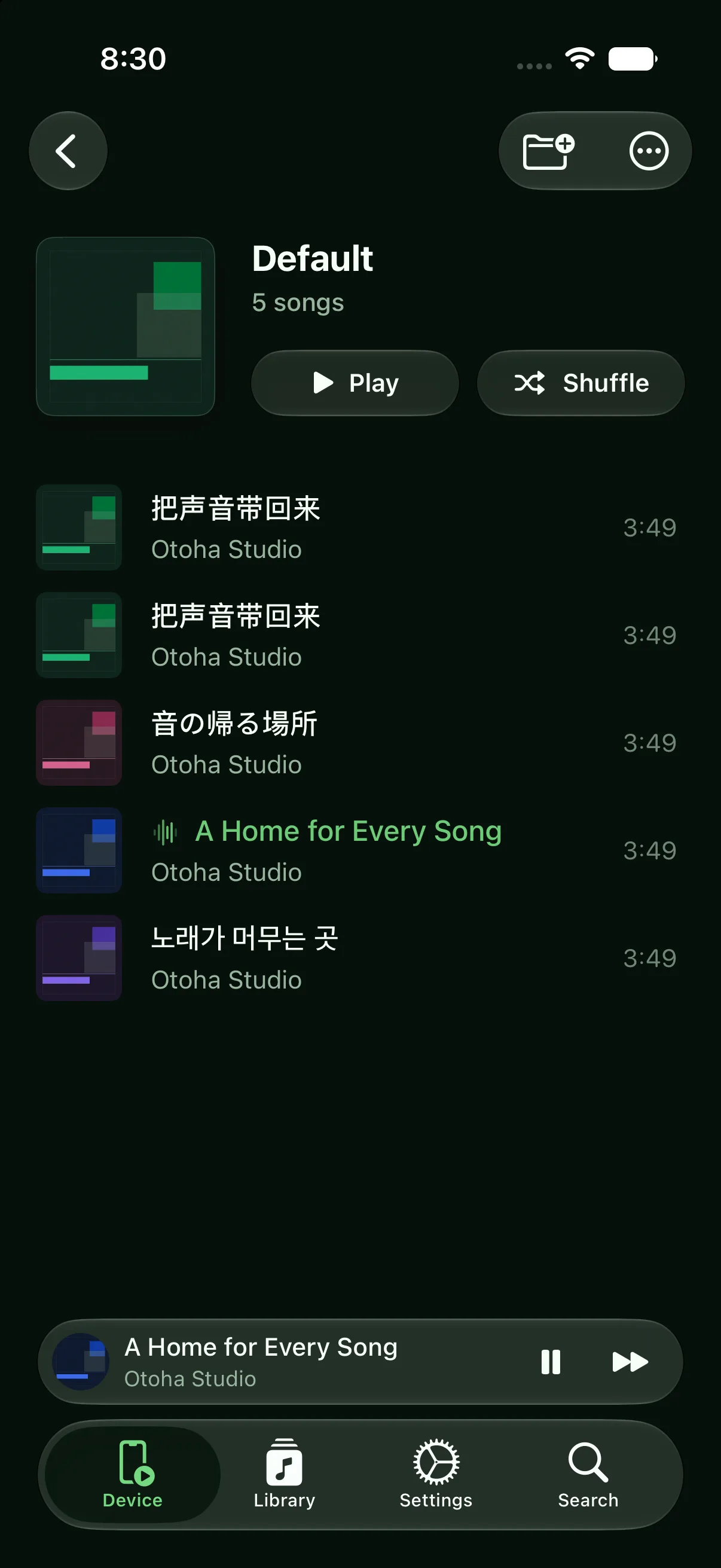
Set it once and drift off.
Collect the songs that help you sleep. Local playback never stutters from a weak connection.
Turn on auto-stop in settings and choose how long to play.
With fade enabled, the volume lowers gradually instead of cutting off.
Local playback has no ads, no autoplay into unknown tracks, no interruptions.
The timer keeps running while the lock screen still offers full playback control.
Playing local files uses no data, and airplane mode works fine.
Turn on auto-stop in Otoha's advanced settings and pick a duration. Playback stops when time is up, and with fade enabled the volume lowers gradually first.
No. Once the timer stops playback, the app stops using audio output and does not keep draining power.
No. Otoha plays your own local files. There are no ads and no platform recommendations.
Free playback, no ads. The sleep timer is built in.