Zero data
Playback makes no network requests at all. Month-end data anxiety is gone.
Commuting
Streaming buffers underground, data plans run out, and free tiers stack ads between songs. Playing local files removes all three problems at once.
Free playback, no ads, no account required.
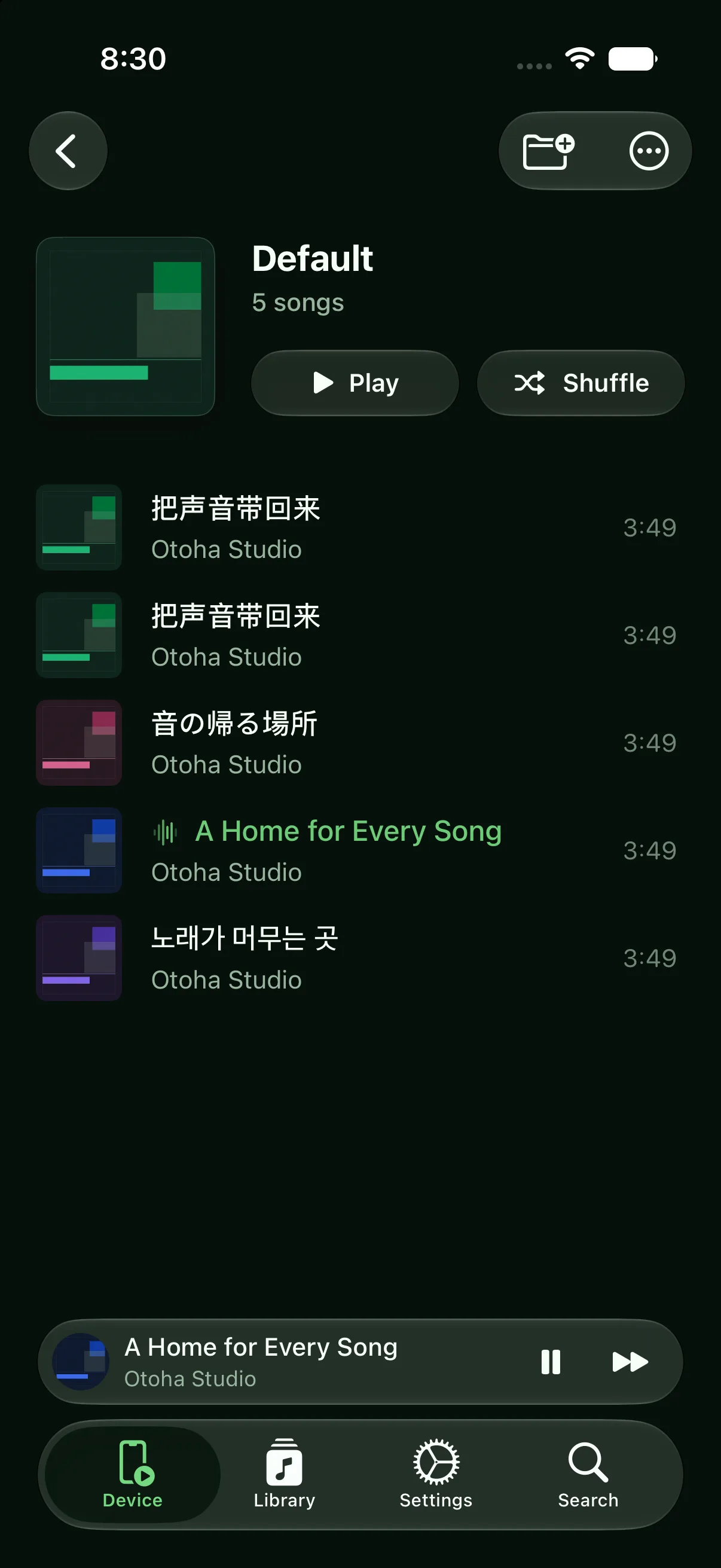
Import once, listen every day.
Purchased albums, your own CD rips, royalty-free tracks: collect them in Files or a cloud drive.
Batch-import into Otoha and build playlists by mood. Artwork and track info load automatically.
Everything plays locally. Airplane mode, elevators, tunnels, underground transfers: nothing interrupts.
Playback makes no network requests at all. Month-end data anxiety is gone.
No audio ads, no splash screens, no upsell pop-ups. Put on your headphones and press play.
Local decoding starts instantly and track changes are immediate.
Yes. Otoha plays music files stored on your phone, fully independent of the network. Airplane mode works too.
No. Local playback in Otoha is free and ad-free. Only the AI learning features have a subscription.
Common sources include purchased digital albums (like Bandcamp), your own CD rips, and royalty-free music sites. Our library guide covers the options.
Free playback, no ads, no account required.