Tesla friendly
Teslas skip CarPlay, but Bluetooth audio works fully: track metadata shows on screen and the wheel controls playback.
Driving
Streaming in the car needs a subscription and a signal, and drops out in every tunnel. Otoha plays local files from your phone: connect Bluetooth and it picks up where you left off.
Free playback, no ads. Your files stay on your phone.
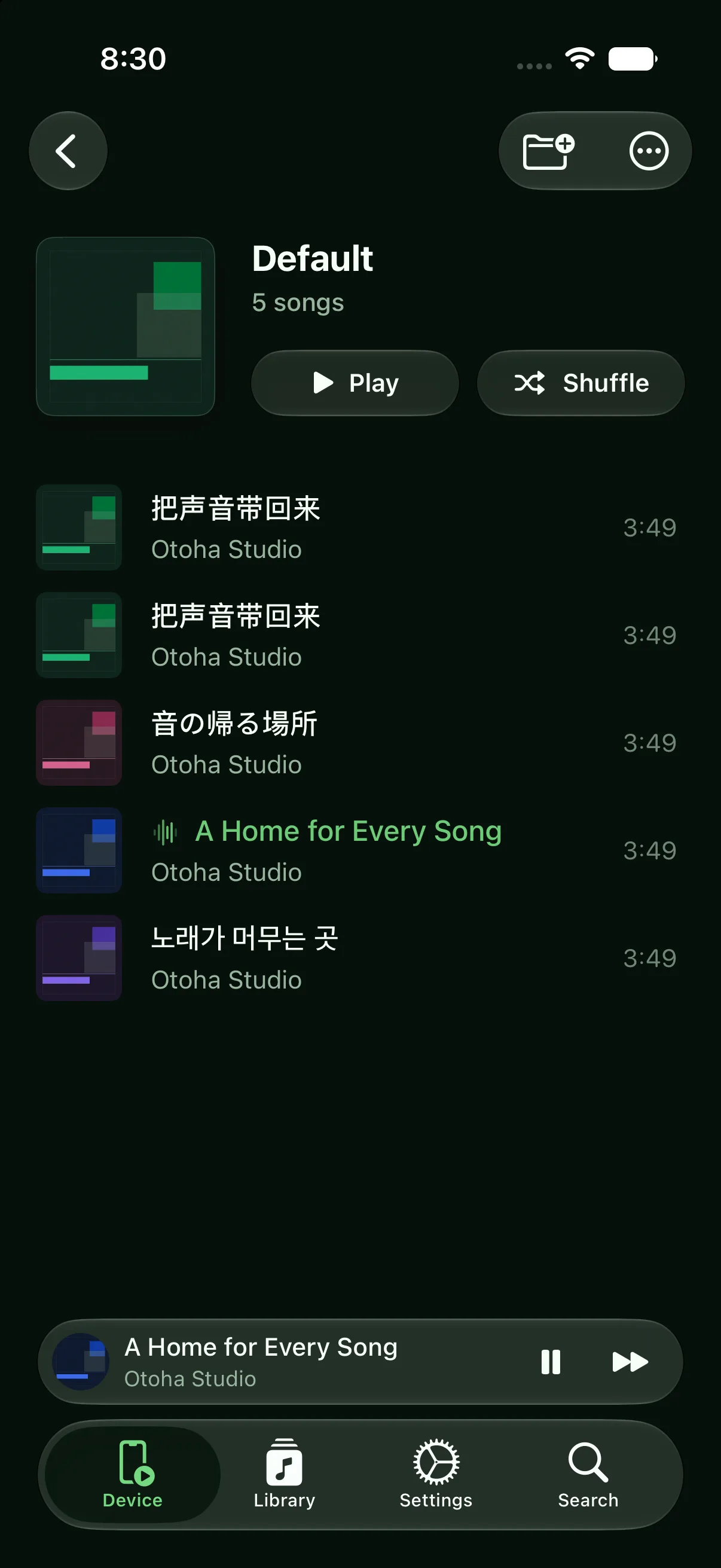
Nothing to install in the car. Bluetooth is all it takes.
Bring in MP3 and M4A files from Files, AirDrop, or any app's share sheet, then organize them into playlists.
When your phone pairs with the car, Otoha responds to the car's play command and resumes automatically.
Play, pause, and skip from the steering wheel. Title, artist, and artwork show on the car display.
Teslas skip CarPlay, but Bluetooth audio works fully: track metadata shows on screen and the wheel controls playback.
Files live on your phone, so mountain roads, tunnels, and parking garages change nothing.
Otoha remembers the position of every file, so long audio picks up mid-episode when you get back in.
Import the MP3s into Otoha from Files, AirDrop, or the share sheet, then connect to the car over Bluetooth. Track info shows on the car display, the steering wheel controls playback, and no network is needed.
Teslas do not support CarPlay, but Bluetooth audio works fully. Import your files into a local player like Otoha, pair your iPhone with the car, and playback shows title, artist, and artwork on screen with steering-wheel control.
Connect over Bluetooth. Otoha responds to the car stereo's play command and resumes your audio automatically when you get in.
Yes. Otoha plays local files stored on your phone, so playback needs no network and uses no data.
Usually not. When the car's Bluetooth connects and sends a play command, Otoha resumes your last audio even from the background.
Free playback, no ads. Your files stay on your phone.