Nothing uploaded
Transcription happens locally; course content never touches a server.
Study
A two-hour lecture recording is useless if reviewing means listening to all of it. Otoha turns the audio into time-aligned sentences: skim for the point, tap to jump there, and play the rest fast.
On-device transcription. Recordings never leave your phone.
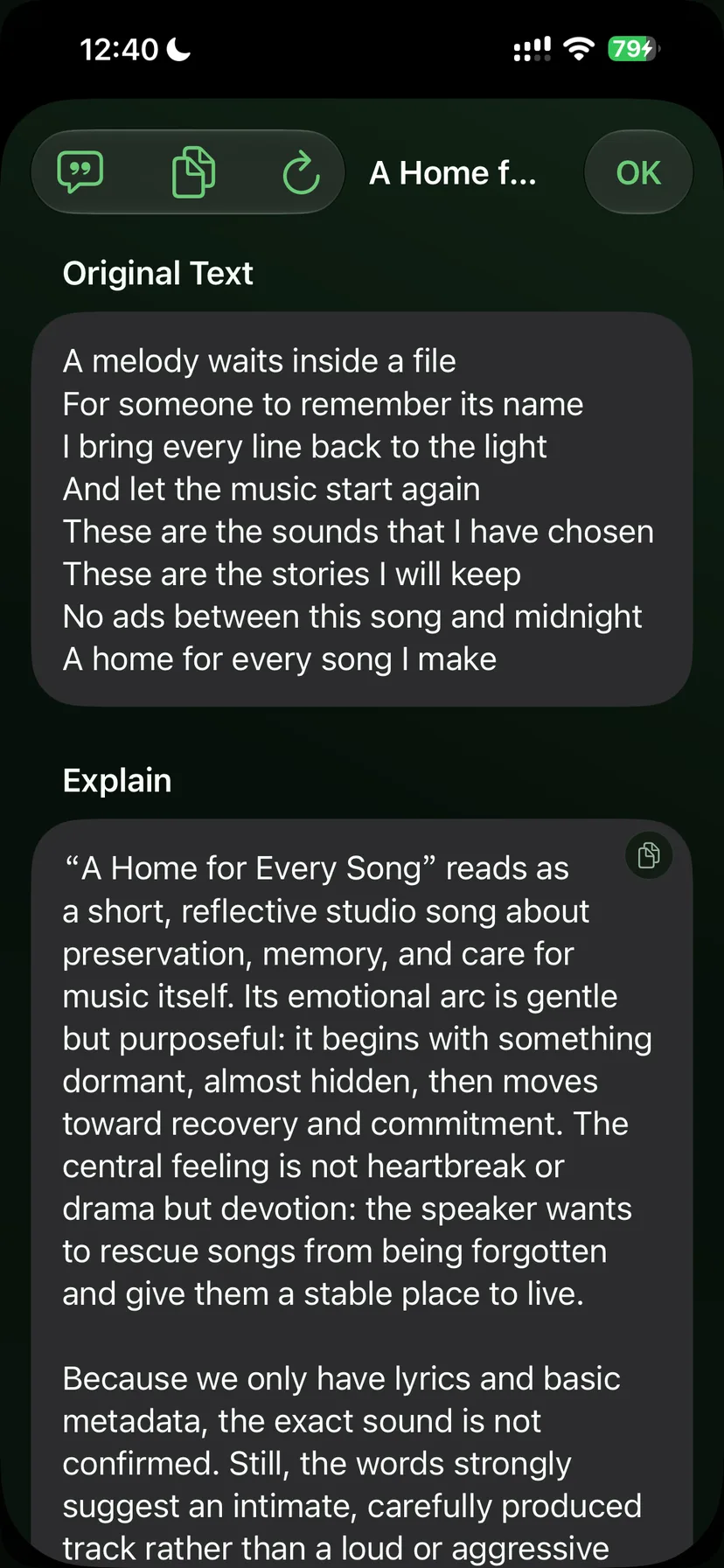
Transcription runs on your device, so privacy and data are non-issues.
Bring in audio from your phone or recorder, one playlist per course.
On-device transcription creates sentence-level subtitles. Long recordings start from where you are playing, no waiting for the whole file.
Scan the transcript like an outline, tap a sentence to jump, and take the filler at 1.5x or 2x.
Transcription happens locally; course content never touches a server.
Playhead-window transcription: open a two-hour file and the current section transcribes first.
Time-aligned sentences read like a table of contents — far faster than scrubbing.
Import the recording into Otoha and enable transcription. Sentence-level subtitles generate on your device, and tapping any line jumps to that moment.
No. Otoha transcribes in windows starting from your playback position, so the part you are reviewing is ready first.
No. Transcription is fully on-device; files never leave your phone.
Not currently. Subtitles are generated sentence by sentence along the timeline without speaker labels.
On-device transcription. Recordings never leave your phone.