Zero ads
No audio ads breaking your pace, no autoplay into off-tempo recommendations.
Workout
Two things kill a good pace: an ad cutting in, and streaming dying in a basement gym. Otoha plays local files, so the music holds from warm-up to the last sprint.
Free playback, no ads, no account required.
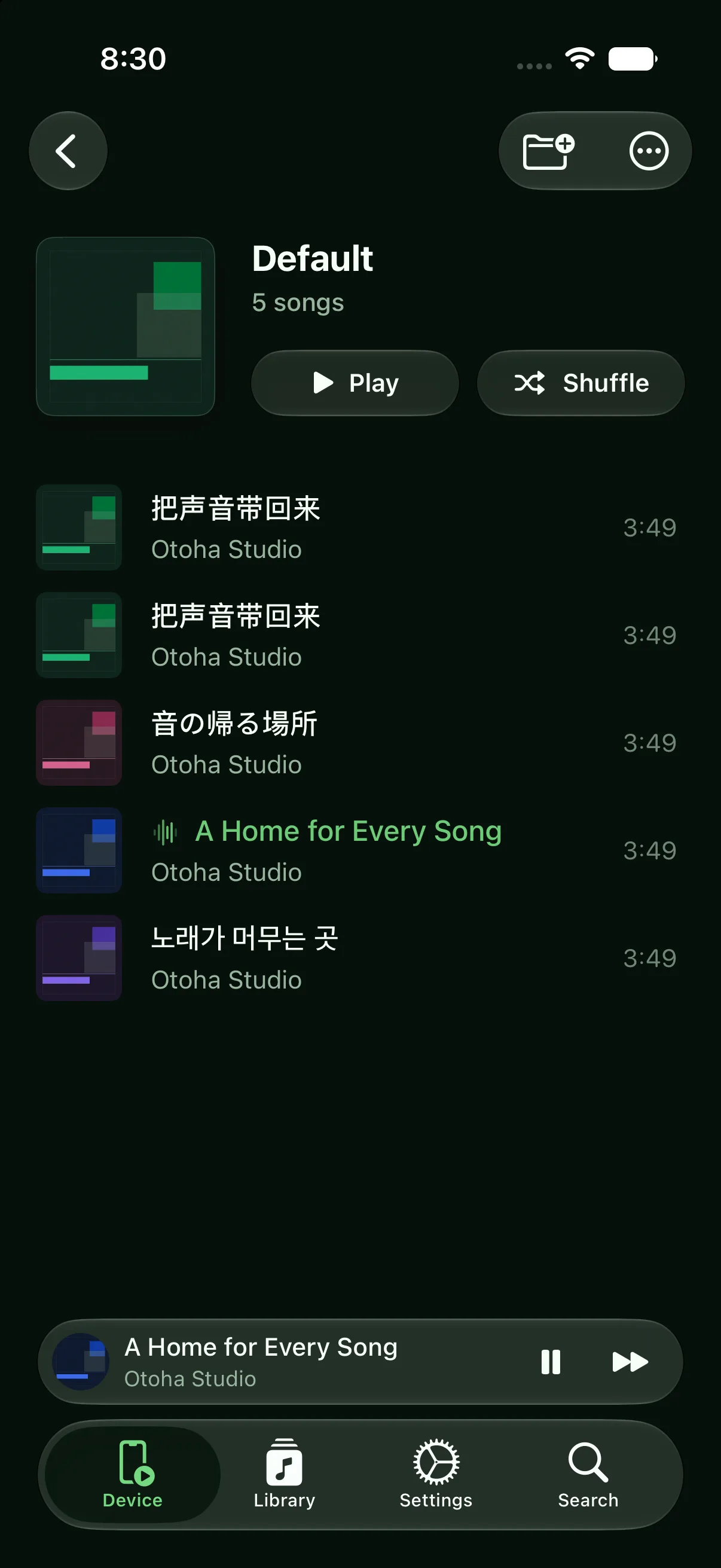
Import once, then just put your earbuds in.
Import tracks with the right tempo and split them by session: running, lifting, stretching.
Earbud taps control play and skip, and the lock screen has full controls — no digging for the phone mid-set.
Local playback needs no signal: basement gyms, trails, and airplane mode all work, with zero data used.
No audio ads breaking your pace, no autoplay into off-tempo recommendations.
Play, skip, and volume from the lock screen — workable even with gloves.
If earbuds disconnect, playback pauses instead of blasting the speaker, and resumes on reconnect.
Import your tracks into Otoha and play them locally. No network requests at all — airplane mode works too.
Yes. The lock screen and Control Center have full playback controls, and Bluetooth earbud buttons work as well.
Playback pauses automatically instead of playing out loud, and resumes from the same spot when they reconnect.
Free playback, no ads, no account required.