Position memory
Every episode remembers where you stopped, even days later.
Podcasts
Subscriptions pile up faster than listening time. Otoha handles RSS feeds and speed control, and for foreign-language shows it adds subtitles for close listening. One player, two listening modes.
RSS and speed control are free. Episodes download only when you play them.
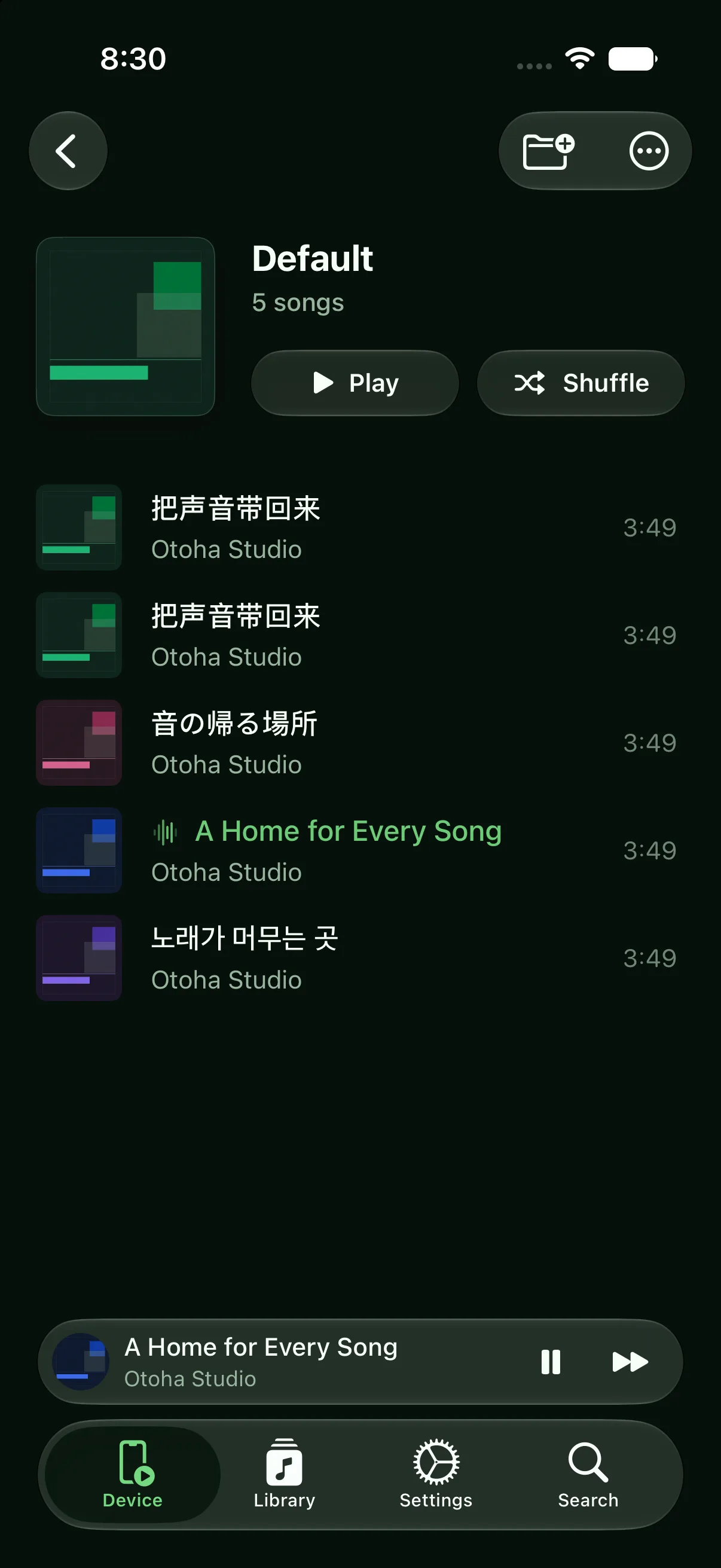
Skim the news shows fast, study the language shows slow.
Paste a podcast's RSS URL. The episode list loads first; audio downloads only when you play an episode.
Take talk shows at 1.5x or 2x. Pitch stays natural, so voices remain clear.
For language learning, on-device transcription adds sentence-aligned subtitles. Slow down and loop the hard parts.
Every episode remembers where you stopped, even days later.
Subscribing fetches only the feed. Audio arrives when you press play, keeping storage under control.
The lock screen reports the real playback rate, so the progress bar never drifts.
Copy the podcast's RSS link and paste it into Otoha. The feed loads immediately; each episode's audio downloads only when you play it.
No. Speed changes keep the original pitch, adjustable continuously from 0.5x to 3x.
Yes. On-device transcription generates sentence-level subtitles locally, which pairs well with slow playback and A-B loops.
RSS and speed control are free. Episodes download only when you play them.