Content stays yours
Only imported files play. No feed, no suggestions, nothing a small hand can tap into.
Family
The worry with story platforms is what plays next: ads, recommendations, content you never vetted. Otoha plays only the files you imported, and stops with a gentle fade when time is up.
Free playback, no ads. Plays only what you import.
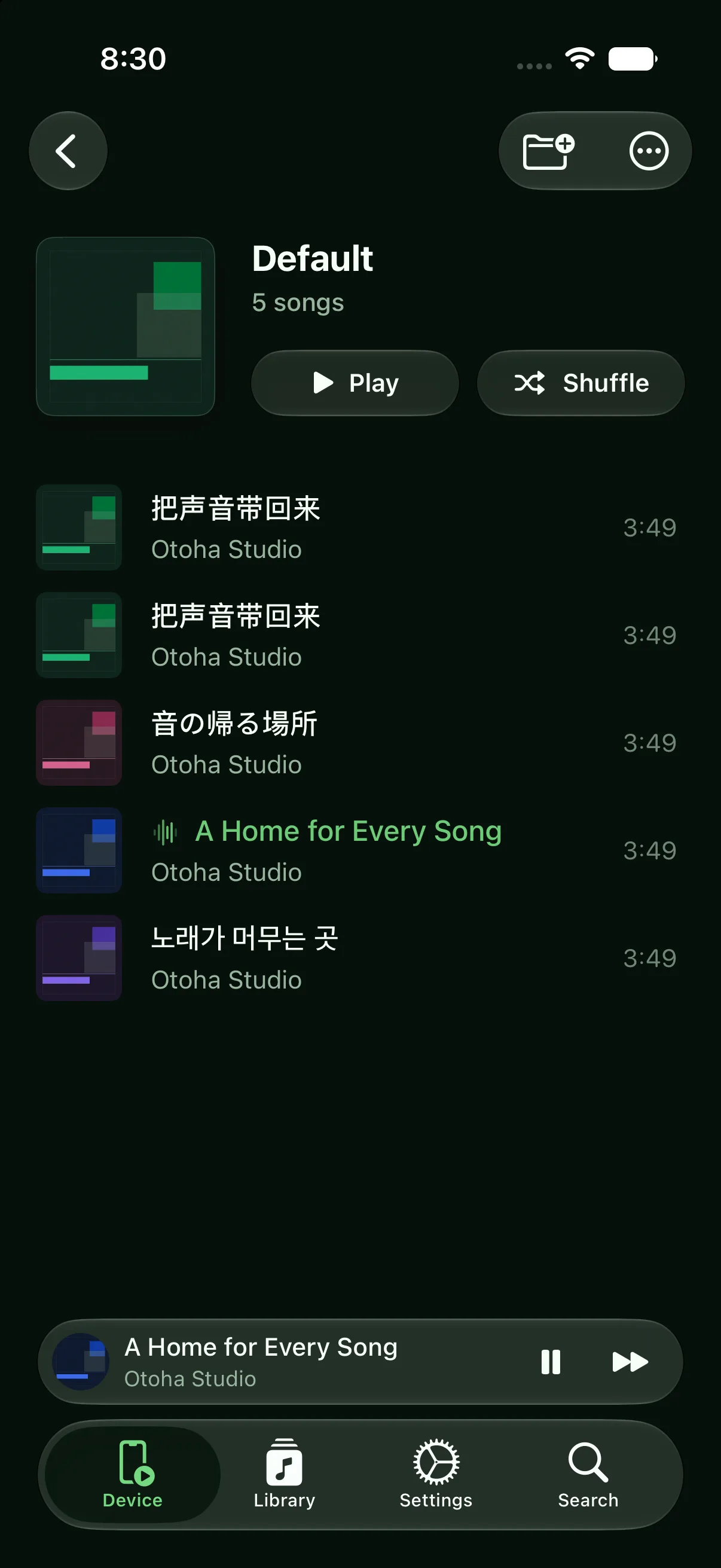
You choose the content; the player just finishes and stops.
Load purchased or recorded story MP3s, with a playlist per child or series.
Choose how long to play. When time is up, volume fades down before stopping — no sudden silence.
Each file remembers its position, so tomorrow picks up where last night stopped.
Only imported files play. No feed, no suggestions, nothing a small hand can tap into.
Stories run uninterrupted; the wind-down mood survives.
Fully offline — fine in a bedroom with no connection.
Import the story audio into Otoha, turn on auto-stop, and pick a duration. Volume fades gently before playback stops.
No. Otoha plays only the local files you imported. There are no recommendations and no autoplay, so parents fully control the content.
No. Everything plays locally with no connection at all.
Free playback, no ads. Plays only what you import.